
Use the conversation lifecycle to understand whether a customer needs action now, who owns the next response, and whether the conversation is waiting, paused, or complete.
A conversation state describes where the conversation sits in the workflow. Signals such as Needs attention or Mentioned help teammates prioritize work, but they do not replace the underlying state.
How a conversation enters the Inbox
A conversation can appear when:
- A customer sends a message through WhatsApp, SMS, Webchat, Instagram, Messenger, or another connected incoming channel.
- A customer replies to a message from a campaign, playbook, or route.
- A playbook or AI agent escalates the conversation to a teammate or team.
- A journey Assignment step runs an action to open the conversation. Assigning an owner from that step does not always open it.
- An automation opens or escalates a conversation to handle customer, order, or business activity.
- A closed or snoozed conversation receives activity that reopens it.
The timeline keeps customer messages, team replies, and recorded changes, such as assignments, notes, labels, and closes, together so the next person can understand what happened.
Understand the main states
Open
Open is the working set for conversations that are currently assigned or unassigned. It is an aggregate view, not a separate ownership state.
Use Open when you want to see the active conversations your team may need to handle.
Unassigned
An unassigned conversation is open but does not yet have a specific teammate responsible for the next action.
It may be available for someone to claim, or it may be waiting for an eligible member of a team selected by a routing or escalation rule. When a target team is at capacity, Hellotext can keep the conversation unassigned while preserving that team as the intended destination.
Do not assume every unassigned conversation is available to every teammate. Check whether it came through a team handoff before taking ownership.
Assigned
The Assigned filter contains conversations with an owner for the next action, who can be a teammate or an AI agent. Teammates can assign a conversation to themselves or reassign it when another person should continue.
When an Inbox reply is recorded, an unassigned conversation can be assigned to the teammate who replies. If it is waiting for a specific team, this automatic assignment requires membership of that team. Recording the reply does not confirm that the customer has received it.
Keep reading: Assign conversations.
Reminders
Use Snooze when the conversation does not need action now but should return later. Open Actions and choose Snooze to select 1 Hour, 4 Hours, Until tomorrow, or Custom.
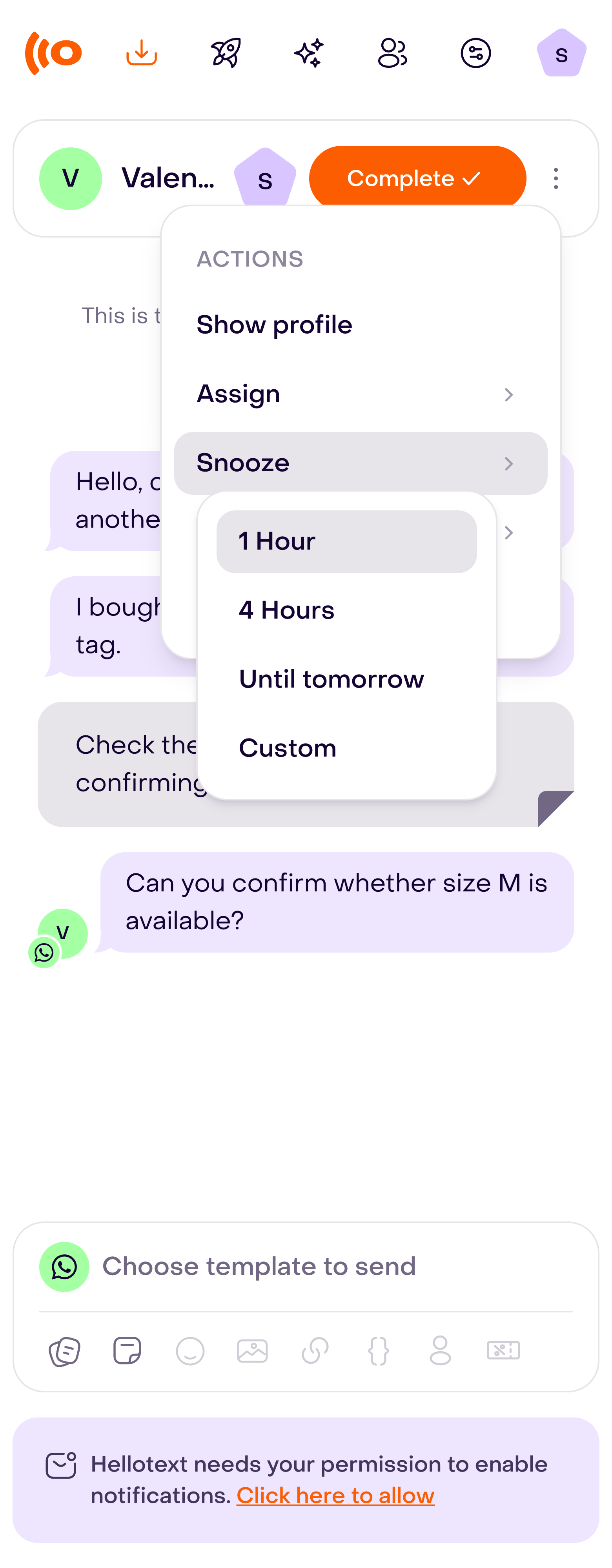
To choose another time, select Custom, set the date and time, and confirm with Snooze.

Snoozed conversations appear under Reminders instead of the active Open list. When the scheduled reminder is processed, the conversation returns to its retained human assignee if that person still belongs to the business; otherwise, it returns unassigned. New customer activity can also bring it back before the reminder time.
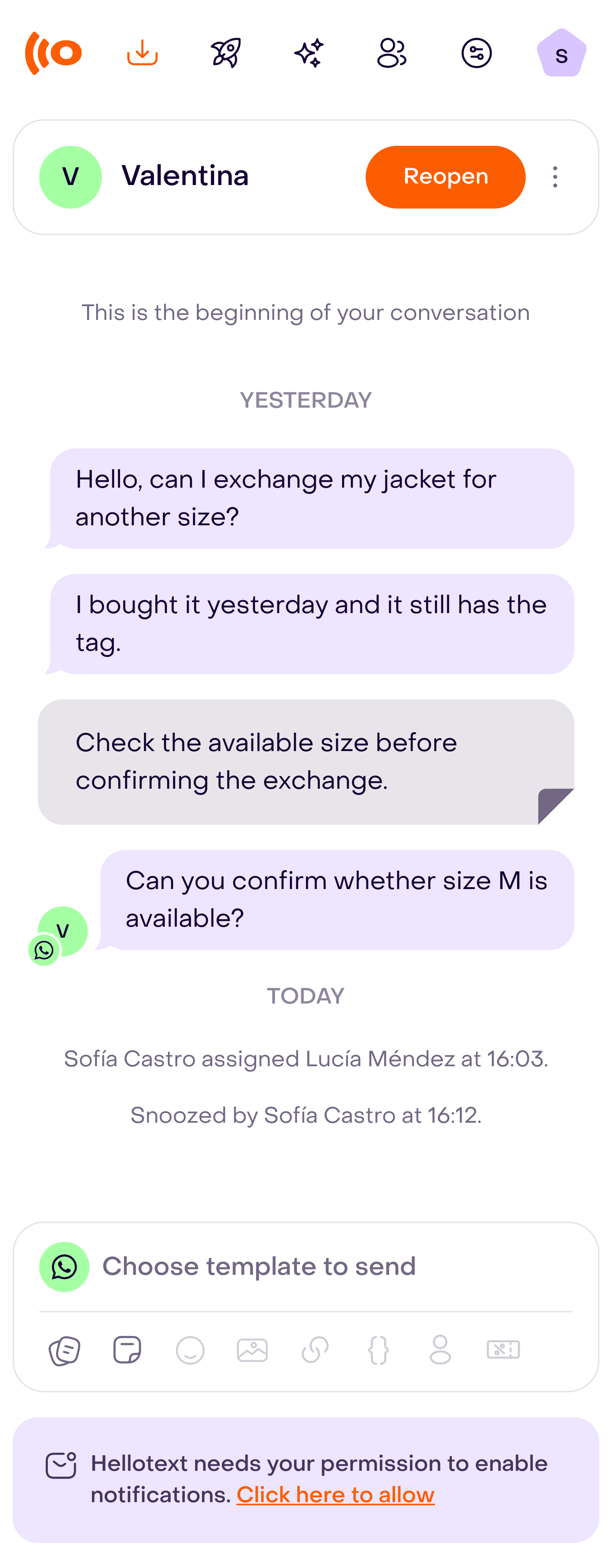
Snooze work that is genuinely waiting. Close work that is complete.
Closed
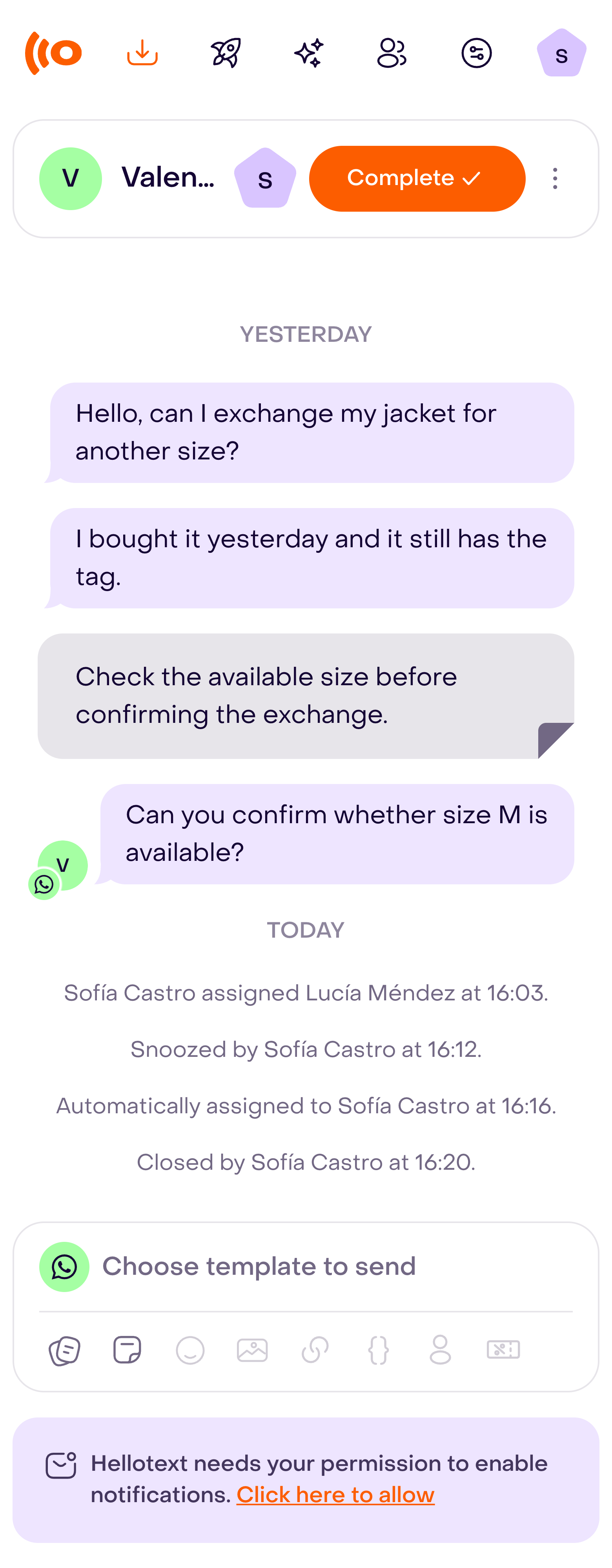
Close a conversation when no further team action is required. Select Complete in the header when that control is shown. Closing removes it from the active working set and clears active attention, but it does not delete the conversation or its timeline.
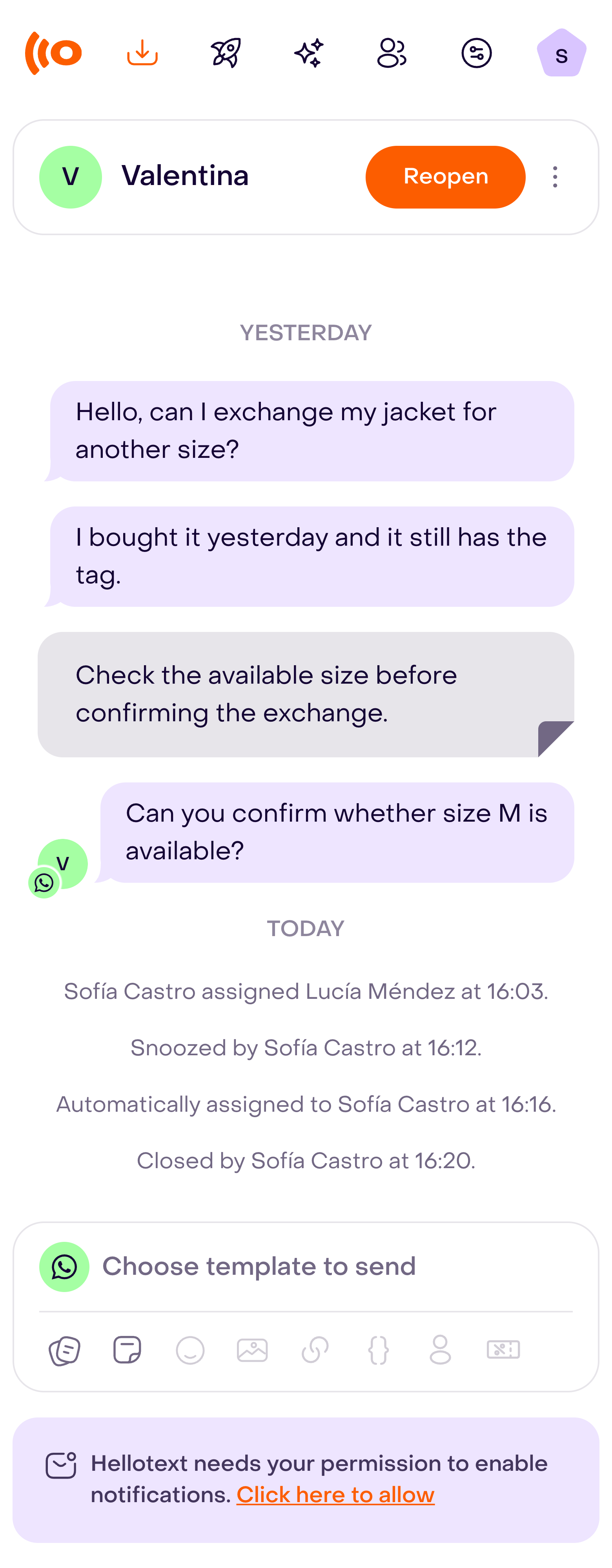
Closed conversations remain available through the Closed filter. A teammate can reopen one manually. Customer replies or new activity can also reopen it and apply the business’s current conversation ownership rules.
When you manually reopen a conversation, Hellotext keeps the human assignee still attached to it. If there is none, it returns unassigned. Check the assignee before continuing.
Attention and mention signals
Needs attention
Needs attention is a prioritization signal, not a lifecycle state. It can apply to an assigned or unassigned conversation when the customer or workflow is waiting for action.
Use this filter to find work that should be reviewed before lower-priority open conversations. Closing the conversation clears active attention because the work is no longer considered actionable.
Response health indicators can add more context about how long the customer has been waiting. Keep reading: Response times and response rules.
Mentioned
The Mentioned filter shows conversations with mentions in internal notes. Use the teammate filter to choose whose mentions to review.
A mention draws attention to the conversation. It does not assign ownership by itself, so confirm who should send the next customer-facing reply.

Use notes and labels without changing ownership
Add an internal note when teammates need context that should not be sent to the customer. Notes can document a decision, summarize an offline action, or mention another teammate.
Select Add private note in the editor toolbar. Type @ and choose the teammate you want to mention.

Notes do not count as customer-facing replies and do not satisfy a response timer. Assign the conversation as well when the mentioned person should take ownership.
Use labels to organize conversations by a durable operational category, such as a product issue, sales opportunity, refund review, or follow-up type. Labels make it easier to filter related conversations without changing their state or owner.
Open Actions and select Labels to review the conversation’s labels.

Filter the Inbox deliberately
The Inbox provides filters for:
- Open
- Needs attention
- Assigned
- Unassigned
- Closed
- Reminders
- Mentioned
You can narrow compatible views by teammate and label. The meaning of a filter stays separate from ownership: for example, a conversation can be both assigned and in need of attention.
For the exact meaning of each combination and how search behaves inside it, read Filter and search conversations in Inbox.
Use a simple daily order:
- Review Needs attention.
- Claim or route unassigned work.
- Continue conversations assigned to you.
- Check mentions that need context or a decision.
- Close completed conversations.
- Use reminders only for work that should return at a specific time.
How automation affects the lifecycle
Playbooks, AI agents, and journeys can open, assign, close, or return conversations to the Inbox.
When automation hands off to a team:
- The target team may provide an eligible teammate immediately.
- If nobody in that team has capacity, the conversation can remain unassigned while waiting for that team.
- The handoff should include enough context for a person to continue without asking the customer to repeat the conversation.
- Closing a conversation indicates that the active work is complete, even when an AI agent handled part of it first.
Keep reading: AI handoff to Inbox.